Cursive homework, finally easy at home

Short scored lessons in cursive, print and Spanish, with a dashboard for parents.

Try a lesson

Cursive · D'NealianMia, age 8

Letter g

Lesson 4 of 12 · Trace the loop, then the tail
86out of 100 · steady loop, tail a little short
Lessons this week3
Best scoreg, 86
Last practiceMon, 4:10 pm
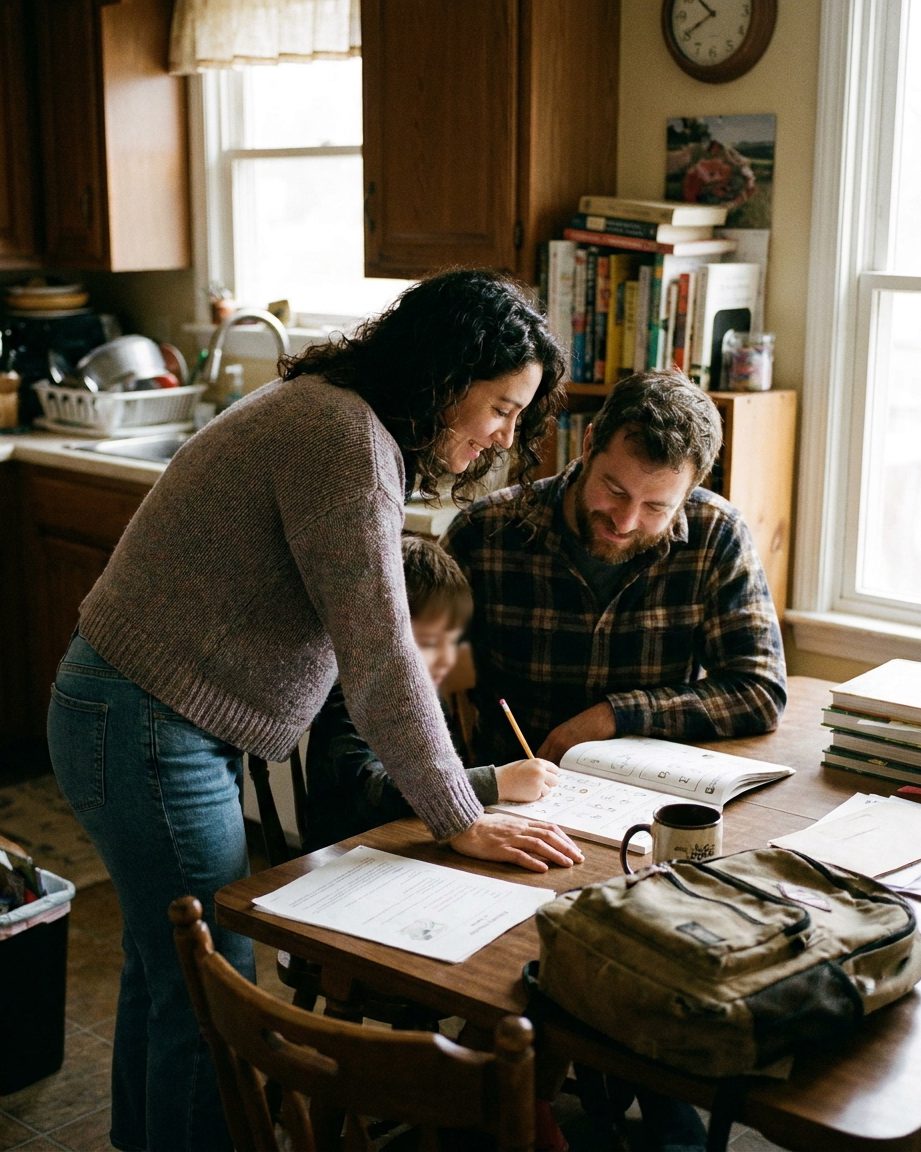
A parent and child at a kitchen table, the child tracing cursive letters on lined paper

How a lesson works

  1. 4:00 pm, setting up

    Add your child

    Make an account and add a name and age. It takes a minute.

    No longer: hunting for worksheets to print.

  2. 4:15 pm, practice

    Your child traces

    A short lesson animates each stroke, then your child traces it and gets a score.

    No longer: guessing if the loops are right.

  3. Evening, the report

    You see the score

    The dashboard shows every lesson, score and day of practice.

    No longer: asking "did you practise?"

Three kinds of letters, one bright lesson at a time

Made for kids 4 to 7. Pip the pencil shows each stroke, your child traces it with a finger, and a rainbow line, stars and a score come straight back.

Print

Tall lines, round letters and little hills, all 26 lowercase letters.

Trace print

Cursive

Joined-up letters in a D'Nealian style, with loops, hills and long tails.

Trace cursive

Spanish

Vowels, accents and ñ, then short words like sol and luna with pictures to tap.

Trace Spanish

What parents see

Trazo · today, 4:32 pm

Mia finished today's cursive lesson

Three lessons done this week. Her best score was on the letter g.

Letter g: 86 out of 100

Every lesson ends with a score you can read at a glance, so you know how practice is going without hovering over the table.

Start with one letter

A kitchen table with a lined worksheet, a pencil and a tablet showing a tracing lesson

Pick your child's name and age, then let them trace one letter. You see the score and the stroke animation right away, with no account and no email.

  • Print, cursive and Spanish lessons
  • Native voices and tap-to-translate
  • Parent dashboard and weekly progress email
Start the first lesson

Cancel any time, and only you see your child's progress.

Which cursive style does it teach?

It starts with D'Nealian. Palmer is planned after launch.

Does my child need a separate device?

No. It works in a phone or tablet browser and can go on the home screen.

Can I see how my child is doing?

Yes. The parent dashboard shows each lesson and score.

Can I cancel?

Yes, any time, from the billing portal.

Cursive homework, finally easy at home.

Try a lesson